
Before you start please ensure you have:
- ARCHICAD [Version] Installed,
- Cadimage Installer Installed & MyCi (https://myci.centralinnovation.com) log in details,
- Internet Connection,
- You are logged in as the Admin user of your computer.
For a more detailed install - Step 1 - How to install The Cadimage Tools
- Close ARCHICAD if it’s running.
- Open the Cadimage Installer, select “Install Cadimage Tools” For “Commercial/Trail use”
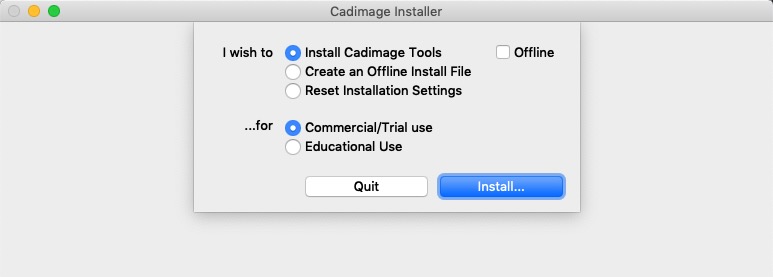
- Click on My Tools or Trial and select the ARCHICAD version
- Click Install for the Cadimage Tool you wish to install., read and accept the EULA

- Once installed, Close the Cadimage Installer and restart ARCHICAD
Comments
0 comments
Article is closed for comments.